
How to Publish Zikhara Content to Amazon
When your content is ready, you can send the approved update from Zikhara to Amazon.
Before you publish
Review the final content carefully.
Check:
- Product details
- Text and spelling
- Images
- Claims and product information
- Brand details
Step 1: Click Publish
Open the content you want to send to Amazon and click the publish option.
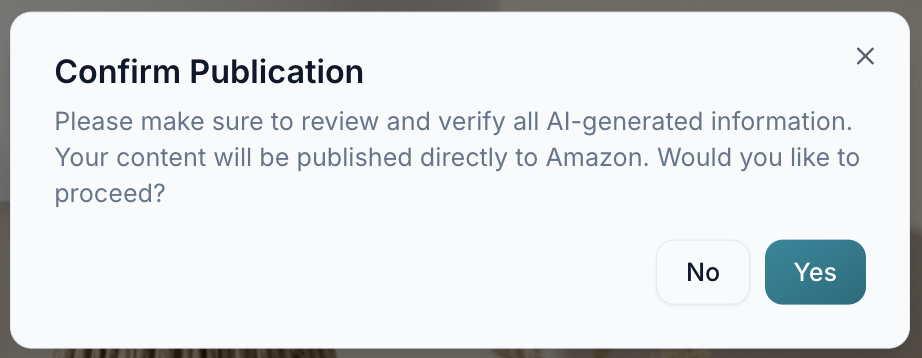
Step 2: Confirm the update
Review the confirmation shown by Zikhara and confirm when you are ready.
Step 3: Allow Amazon time to process the update
After Zikhara sends the update, Amazon still needs to process it.
It may take up to 48 hours for updated content to appear on the live product page.
Note: Publishing an update from Zikhara does not always mean it will appear on Amazon immediately. Even after the content is approved, Amazon will review the update.