
How to Update an Existing Amazon Listing
Use this flow when your product already exists on Amazon and you want to improve its content with Zikhara AI.
For an existing ASIN, you can create or update:
- Listing text
- Product images and graphics
- A+ Content
Generate each type separately - for example, new images without changing your text.
Note: To create a completely new Amazon listing (no ASIN yet), use New Listing Beta instead.
Step 1: Select the product
- Go to My Listings.
- Open the product you want to improve.
- Review its CDQ score and recommendations.
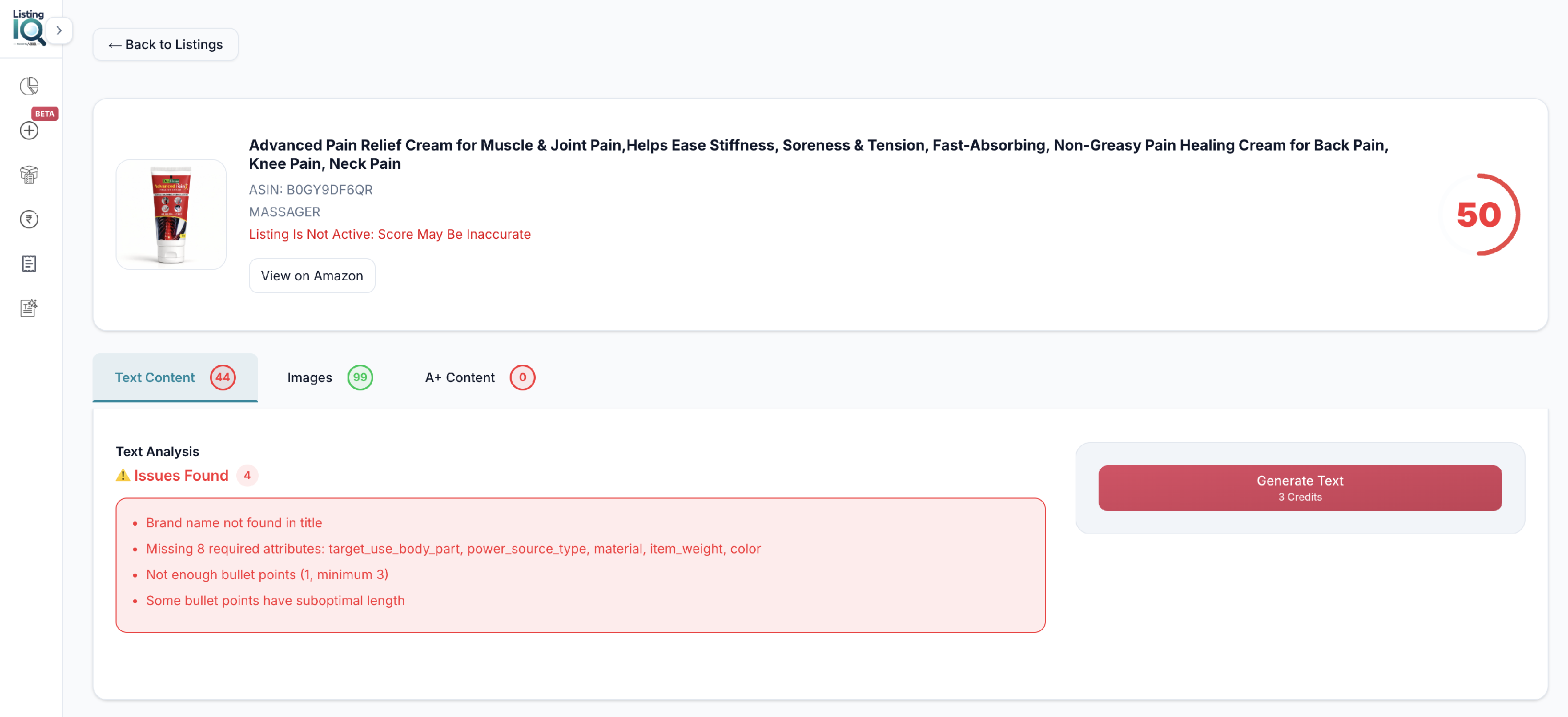
Step 2: Choose what to improve
Select the content type:
- Text Content
- Images
- A+ Content
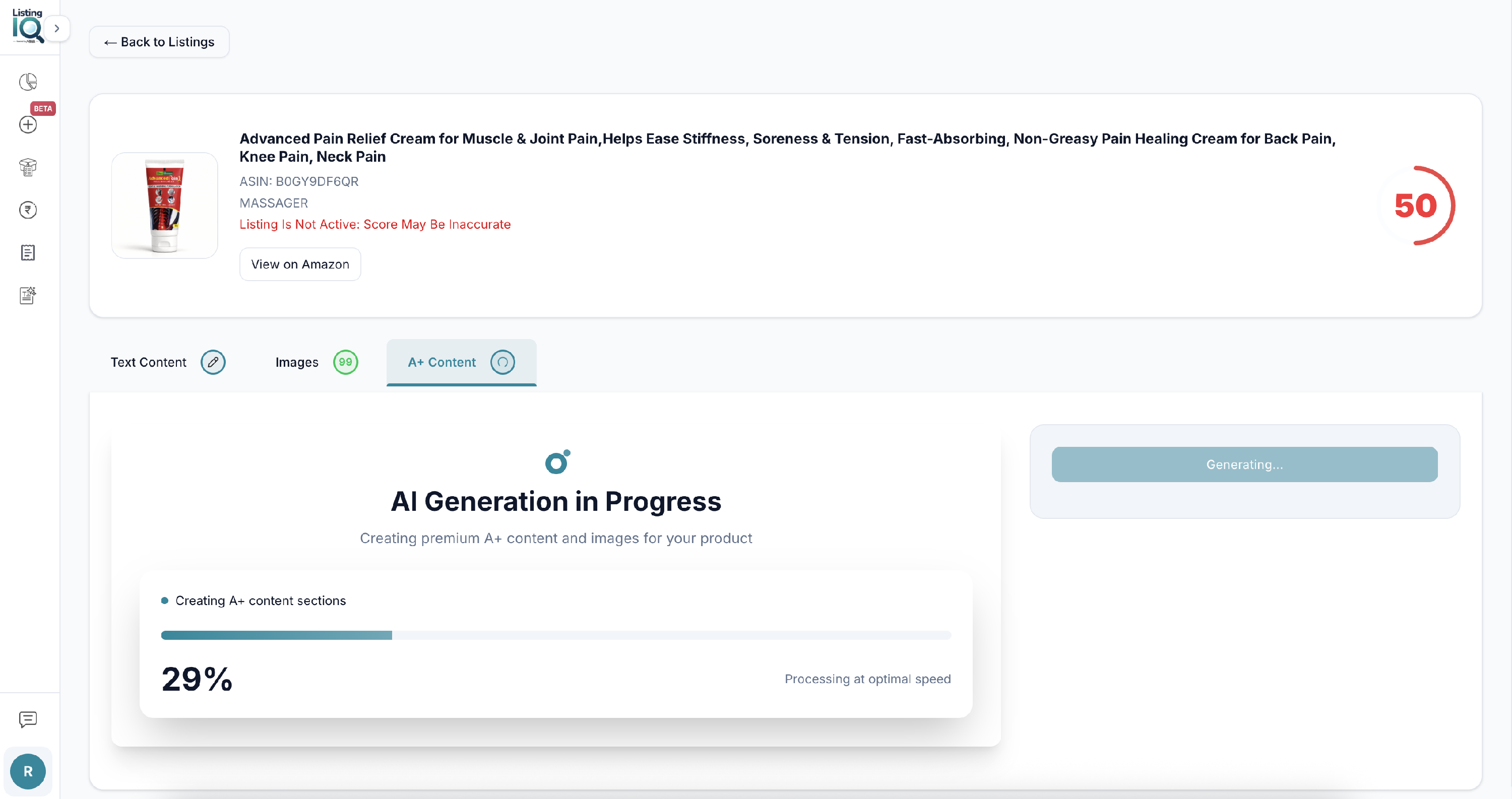
Step 3: Generate
- Open the section you want to improve.
- Click Generate.
Zikhara AI creates new content for that section.
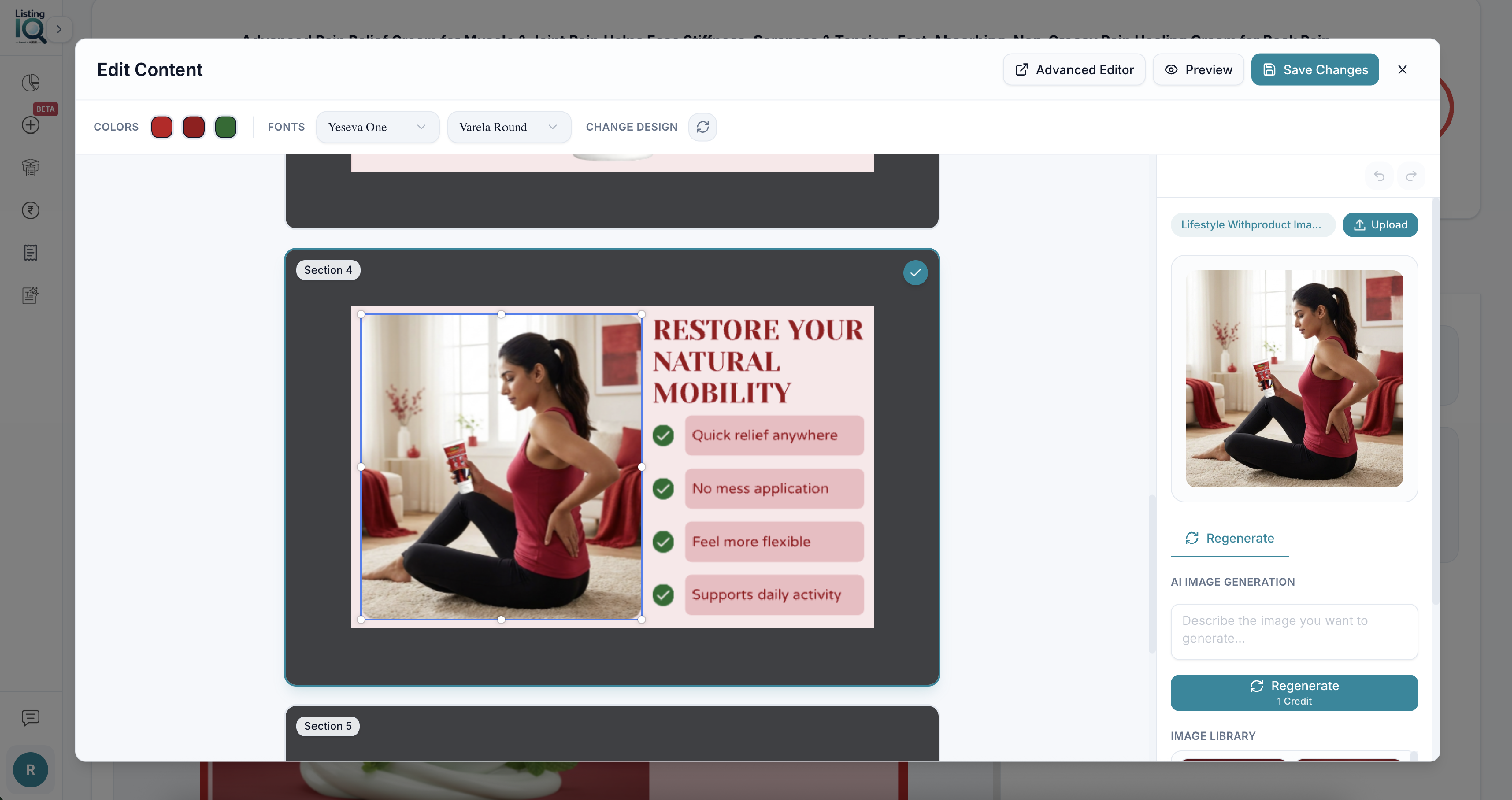
Step 4: Review and edit
Always review generated content before you publish.
For graphics and A+ Content, you can:
- Edit text
- Change colours
- Adjust the design
- Update content to match your brand
For AI-generated images, enter your own prompt and generate another version if needed.
Step 5: Publish to Amazon
When you are happy with the content, publish it to Amazon.
Important: It may take up to 48 hours for updated content to appear on the Amazon product page.