
Get started with Zikhara AI
Zikhara AI helps Amazon sellers check, improve, and create listing content — then publish updates back to Amazon.
With Zikhara you can:
- Check listing quality with Listing IQ
- Improve listing text
- Create product images and graphics
- Create A+ Content
- Publish approved updates to Amazon
- Create a new listing with New Listing Beta
Note: Zikhara currently supports Amazon India and Amazon US.
Step 1: Create your Zikhara account
Sign up with:
- Email and password, or
- Google Sign-In
If you use email and password, enter the verification code sent to your inbox.
Step 2: Connect Amazon Seller Central
Connecting Seller Central is required during sign-up.
- Click Connect Seller Central.
- Follow the steps on Amazon.
- Approve the requested permissions.
This lets Zikhara:
- Import your Amazon catalogue
- Analyse your listings
- Send approved listing updates back to Amazon
Step 3: Wait for your listings
After you connect Amazon, Zikhara starts importing your catalogue.
Large catalogues can take several hours. You do not need to wait for the full import — products appear as each batch of ASINs is ready.
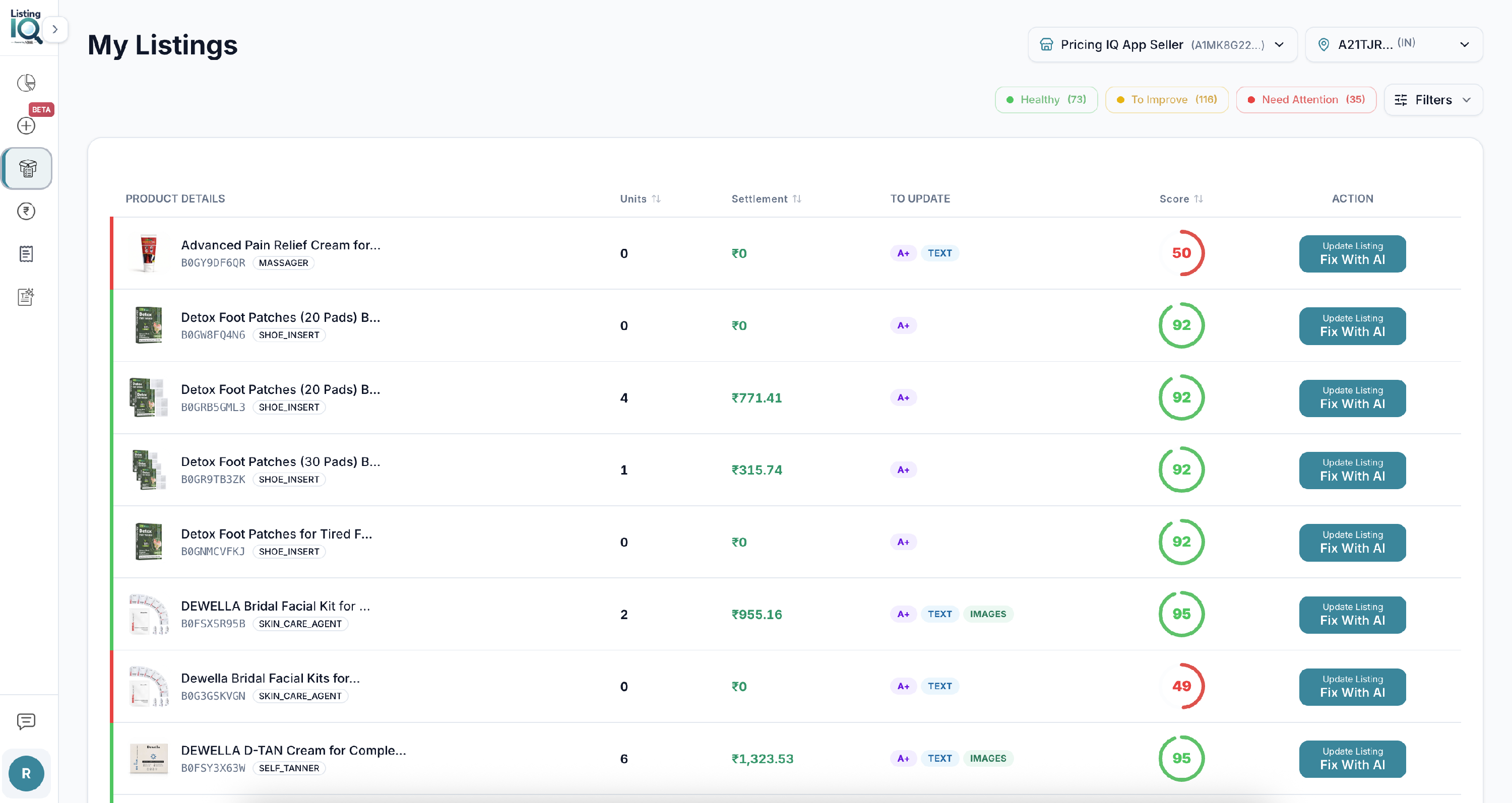
Step 4: Choose what you want to do
For an existing Amazon product:
- Go to My Listings.
- Open the product.
- Review the CDQ score and recommendations.
- Choose what to improve:
- Listing text
- Images
- A+ Content
You can generate these three content types independently for existing ASINs.
To create a new Amazon listing (no ASIN yet), use New Listing Beta.